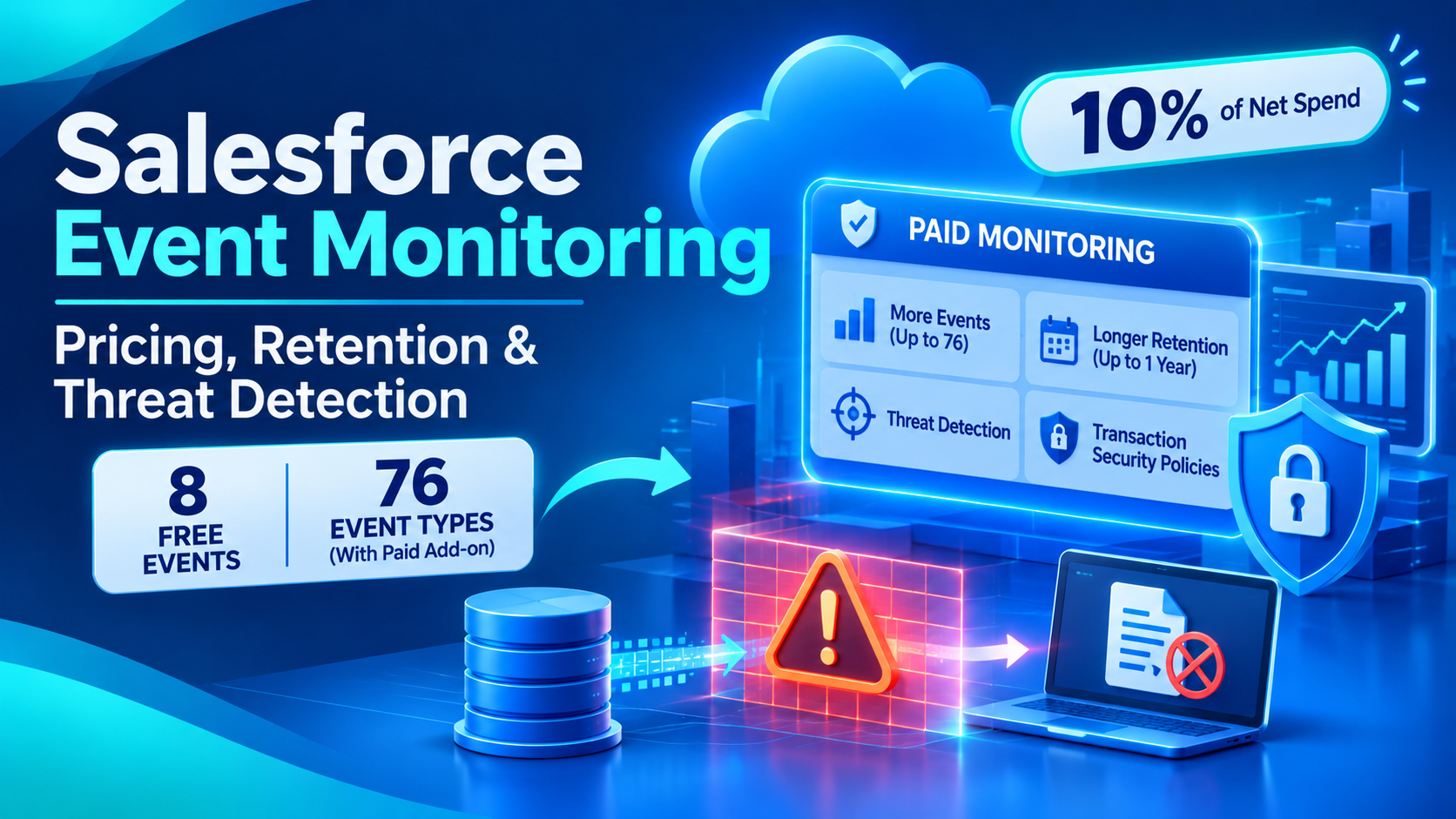
Salesforce Event Monitoring: What 10% of Spend Buys
Salesforce Event Monitoring is a paid add-on listed at 10% of net spend. Without it, every supported org still gets eight event types, one day of retention and daily log files. With it, you get the remaining event types, a retention period you configure up to one year, hourly files, real-time event storage and Threat Detection. The decision is rarely about the percentage. It is about whether those eight free events answer the question someone will eventually ask you.
That question is usually some version of "who took this data out of Salesforce". Every time we have been pulled into one, the first thing we ask for is the report export log. In orgs without Event Monitoring, it does not exist, and it cannot be created after the fact.
How much does Salesforce Event Monitoring cost, and what does net spend mean?
Event Monitoring is published at 10% of net spend on both the Shield pricing page and the platform add-ons page, verified on both on 23 November 2026. The full Shield bundle is 30% of net spend and, in Salesforce's own words, "Includes Event Monitoring, Field Audit Trail, Platform Encryption, and Data Detect in one suite".
| Add-on | Published price | Evidence standard |
|---|---|---|
| Event Monitoring | 10% of net spend | Published, verified 23 Nov 2026 |
| Field Audit Trail | 10% of net spend | Published, verified 23 Nov 2026 |
| Security Center | 10% of net spend | Published, verified 23 Nov 2026 |
| Privacy Center | 15% of net spend | Published, verified 23 Nov 2026 |
| Data Detect | 15% of net spend | Published, verified 23 Nov 2026 |
| Platform Encryption | 20% of net spend | Published, verified 23 Nov 2026 |
| Shield (all four components) | 30% of net spend | Published, verified 23 Nov 2026 |
The percentages are real. What they apply to is not defined anywhere we can find. The closest Salesforce comes is an FAQ answer saying the price is "calculated as a percentage of how much you spend on other applicable Salesforce products", and the page carries the line "This page is provided for information purposes only and subject to change."
So any figure you model is an estimate of the base, not of the rate. Here is ours, clearly labelled as ours.
| Input | Value | Where it comes from |
|---|---|---|
| Users | 200 | Our illustrative scenario, not a quote |
| Core edition list price | $195/user/month | Published on the Salesforce pricing pages |
| Annual licence spend | $468,000 | Our arithmetic from the two rows above |
| Event Monitoring at 10% | $46,800/year | Our arithmetic, published rate applied to an assumed base |
| Shield at 30% | $140,400/year | Our arithmetic, published rate applied to an assumed base |
That works out to about $19.50 per user per month for Event Monitoring alone, which is more than a Starter Suite licence costs. Treat it as a planning baseline to test a real quote against, and ask your account executive in writing whether consumption spend, add-ons and credits sit inside the base. We have seen the answer change the number by a third.
One more thing to confirm before you sign. The published percentage SKUs carry the footnote "Total cost billed annually. All prices in USD." A security add-on you intended to run for a quarter is an annual commitment.
What do you get without paying for Event Monitoring?
Eight event types. The EventLogFile supported event types reference names them precisely: "The Apex Unexpected Exception, API Total Usage, CORS Violation Record, CSP Violation, Hostname Redirects, Insecure External Assets, Login, and Logout events are available in supported Salesforce editions at no additional cost." The next sentence is "To purchase the remaining event types, contact Salesforce."
The page's own navigation lists 76 event types, so the free eight are roughly a tenth of what Salesforce records. More to the point, look at what is in the free set and what is not.
| Question you will be asked | Covered free? |
|---|---|
| Who logged in, from where, and when? | Yes, Login and Logout |
| Which Apex failed last Tuesday? | Yes, Apex Unexpected Exception |
| How close are we to the API limit? | Yes, API Total Usage |
| Who exported a report containing customer records? | No, Report Export is a purchased type |
| Who pulled 40,000 contacts out through the API? | No, API and Bulk API events are purchased |
| Who downloaded that attachment? | No, content and document events are purchased |
| Who ran a list view that returned everything? | No, List View events are purchased |
The free tier answers access questions and none of the extraction questions. So if your reason for wanting event data is insider risk, data leakage or a regulator asking what left the system, the free tier is not a reduced version of what you need, it is an answer to a different question.
Two further constraints apply to the free tier and are easy to miss. Retention is one day, which means you have until roughly this time tomorrow to notice that you needed Tuesday's file. And generation is not automatic for everyone: Salesforce's Event Monitoring FAQ states that since the Summer '23 release you must manually opt in to receive logs, while a separate Quick Start article says generation is on by default for Shield and Event Monitoring customers. Read together, that means a non-paying org that never opted in has no logs at all, not one day of them.
Why three Salesforce pages give three different retention figures
This is the part that trips up almost every evaluation we see, because the number you quote in a board paper depends on which Salesforce page you happened to read.
| Framework | Retention | Latency | Source |
|---|---|---|---|
| Event Log Files, paid | "Log files are retained, by default, for 1 year after their CreatedDate" | Daily files overnight; hourly files three to six hours | REST API Developer Guide |
| Event Log Files, free and Developer orgs | "Log Files are available for one day" | Daily | Same page |
| Event Log Objects | "Log data is retained for up to 30 days" | "within 25-45 minutes after the event is logged" | Event Log Objects help |
| Real-Time Event Monitoring storage | 6 months for most events, 10 years for two | Near real time | RTEM storage help |
Three frameworks, three retentions, all current, all Salesforce. The Event Monitoring FAQ adds a fourth answer by saying logs are retained for 30 days by default and can be extended to one year, which contradicts the developer guide's one year by default on the same product.
Our rule, after being caught by this once: quote the developer guide for Event Log Files, then tell the client to read their own EventSettings rather than trust any page. The retention period is adjustable, and Salesforce says the adjustment "can be made via the Event Monitoring Settings or using the EventSettings Metadata API type". Whatever a page says the default is, the value in your org is the value that governs.
Much of the 30-day figure in circulation is almost certainly Event Log Objects being mistaken for Event Log Files. They are different frameworks with different query models, and Event Log Objects carry three restrictions worth knowing before you build on them: "This feature is only available to Hyperforce customers", "Event log objects aren't available in Government Cloud instances", and "You can only query 15 days of data at a time using the Timestamp column". They also "contain many but not all events currently represented in the Event Log File framework", so they are not a drop-in replacement.
What only Event Monitoring or Shield will give you
Two capabilities in particular are gated behind Event Monitoring or Shield and cannot be bought any other way.
Threat Detection. Salesforce's Threat Detection page states "Requires Salesforce Shield or Salesforce Event Monitoring add-on subscriptions." It covers session hijacking, credential stuffing, report anomalies, API anomalies, guest user anomalies and login anomalies. It is behavioural, which Salesforce is upfront about: "We don't look at the actual data that a user interacts with, we look at how the user interacts with the data."
Transaction Security Policies. Same licensing sentence, and this is the only mechanism on the platform that lets you block an event rather than read about it afterwards. The documented actions are Block, Multi-Factor Authentication and Notifications, and policies can be written against API, report, file, list view, login, permission set and session hijacking events.
That second one is the argument we lead with in buyer conversations, and it has nothing to do with logging. Every other security control in this family is retrospective. Transaction Security is the one that stops the export. If the business case is "we want to know", the free tier plus a nightly extract gets you some of the way. If the business case is "we want it not to happen", there is no cheaper route.
Why only five of seventeen real-time events are stored by default
Storage is the pleasant surprise and the configuration trap in the same paragraph.
The pleasant surprise: Salesforce states that "Real-Time Event Monitoring big objects aren't bound by big object data storage limits", so retaining them does not consume the data storage allocation you are already short of.
The trap: of the seventeen storable events in the table, exactly five are stored by default. Those five are ListViewEvent, LoginAsEvent, LoginEvent, LogoutEvent and ReportEvent. The other twelve, including ApiEvent, FileEventStore, BulkApiResultEventStore and PermissionSetEventStore, are off until someone turns them on.
Retention also varies more than most people expect. Two events are stored for up to ten years, LoginEvent and IdentityVerificationEvent. Everything else in the table is six months.
So an org that buys Event Monitoring, configures nothing, and comes back a year later has ten years of logins, six months of four other event types, and nothing at all for the API and file events that an exfiltration investigation actually needs. We treat storage enablement as day-one implementation work, not a later optimisation, because the cost of getting it wrong is measured in months of missing history.
Is Setup Audit Trail a free substitute for Event Monitoring?
No, and the reason is more severe than most people realise. Salesforce's own page states "The history shows the 20 most recent setup changes made to your org." That is twenty records, not twenty days, which is a much tighter window than the phrase "setup history" suggests.
The download is better: "To download your org's complete setup history for the past 180 days, click Download." And then, flatly, "After 180 days, setup entity records are deleted."
Setup Audit Trail is genuinely useful, it is free, and it is available in essentially every edition. It is also answering a completely different question. It tells you who changed configuration. It does not tell you who read, exported or downloaded data, and it holds nothing beyond 180 days. If you have no Event Monitoring, the single highest-value free action available to you is to schedule a monthly export of that download to somewhere outside Salesforce, because the 180-day deletion is not negotiable.
Event Monitoring, Shield or Security Center: which one answers your question?
This is the comparison most evaluations get wrong, because Security Center and Event Monitoring are both 10% of net spend and sound like competing products.
| Add-on | Published price | What it actually answers | Retention |
|---|---|---|---|
| Event Monitoring | 10% of net spend | What users and integrations did | Up to 1 year of log files, 6 months to 10 years of stored real-time events |
| Security Center | 10% of net spend | How the org is configured and whether that drifted | "Security Center stores data for 6 months" |
| Shield | 30% of net spend | All of Event Monitoring plus encryption, field history archive and data classification | Field Audit Trail retention is "Until deleted" |
Security Center refreshes once a day and is a posture and configuration dashboard. It will tell you that a permission changed and that your org diverged from a baseline. It will not tell you that someone exported 12,000 contacts at 11pm. At the same headline percentage, they are not substitutes, and we have watched a client buy the wrong one of the two because the price tags matched.
Shield is where the decision gets genuinely close. Platform Encryption alone is 20% of the 30% bundle, so the Shield-versus-Event-Monitoring question is really "do we need field-level encryption at rest". Where we have recommended Event Monitoring alone, it is because the client had no encryption requirement and no interest in Field Audit Trail, and the extra 20 points of net spend bought them nothing they would use. Where we have recommended the bundle, it is because the encryption requirement already existed in a contract or a regulator's letter, and at that point Field Audit Trail and Data Detect arrive for the remaining 10 points.
What lost, and why: we considered recommending a build instead, extracting the free event log files nightly into a warehouse and retaining them there. It works, it is cheap, and we have implemented it. It loses on two grounds that have nothing to do with effort. The free tier does not contain the events worth retaining, and no amount of extraction gives you Transaction Security, so you can store evidence of a problem you are still unable to prevent.
Where Event Monitoring will let you down
Honest list, because every one of these has surprised a client.
You cannot backfill. Salesforce's Event Monitoring FAQ states that paid logs cannot be retrieved retroactively for periods before the contract start date. If you are buying Event Monitoring because of an incident that happened last month, you are buying it for the next incident. We have had to deliver that sentence twice and it is not a good day.
Log files can have gaps. The hourly event log file documentation is explicit: "Your event log files may show a gap in data during site switches, instance refreshes, or unplanned system outages." Salesforce commits to a "commercially reasonable effort" to avoid loss, which is not a completeness guarantee. The same page also tells you that late-arriving logs create a new file listing only the new events, so anything you pipe into a SIEM may need deduplication at your end.
Hourly files are not authoritative. The REST guide says hourly files exist "to review events in your orgs on an accelerated basis" and then, plainly, "For complete data, use the daily log files." If you built alerting on hourly files, that sentence is a design constraint rather than a suggestion.
ApiEvent is ambiguous on REST. The ApiEvent reference says it "Captures API requests through SOAP API and Bulk API for the Enterprise and Partner WSDLs" and separately lists the ApiType field values as Bulk, REST, SOAP Enterprise, SOAP Partner or N/A. One page, two answers on whether REST calls are captured. We have not found a Salesforce sentence that resolves it, so we tell clients to test it in their own org against a known REST call rather than assume either way. The same page confirms two real gaps: "Tooling API calls and API calls originating from a Salesforce mobile app aren't captured."
Government Cloud is excluded in places. Threat Detection is documented as not supported in Government Cloud even though the interface may be visible, and Event Log Objects are unavailable there entirely.
The logs are not field history. The Event Monitoring FAQ notes that specific details such as old and new field values are generally not included. If the requirement is "show me what this field used to say", that is Field Audit Trail, which is a separate 10%.
How to scope an Event Monitoring purchase in five steps
- Write down the question first. Not "we want visibility". A specific sentence, such as "we need to know which users exported Opportunity data in the last 90 days". Then check it against the eight free event types. If the free set answers it, stop here and save the money.
- Check what you already have. Query
EventLogFilefor the last few days and read your org'sEventSettingsfor the live retention value. We have found orgs that were already paying for Event Monitoring through a Shield line item nobody remembered buying. - Decide between Event Monitoring and Shield on the encryption question, not the logging one. If field-level encryption at rest is a requirement, price the bundle. If it is not, the extra 20 points of net spend buys you a product you will not configure.
- Get the base of "net spend" in writing before you agree the percentage. Ask explicitly whether add-ons, consumption credits and industry cloud licences are included. The rate is published; the base is not.
- Treat storage enablement and retention as go-live tasks. Turn on the twelve real-time events that are off by default, set the retention value you need rather than the default you inherited, and schedule the Setup Audit Trail download regardless, since it deletes at 180 days whether or not you bought anything.
Frequently Asked Questions
How much does Salesforce Event Monitoring cost?
Salesforce publishes Event Monitoring at 10% of net spend on both the Shield pricing page and the platform add-ons page, billed annually in USD. On 200 Core licences at the $195 list price, our estimate is roughly $46,800 a year, or about $19.50 per user per month. Salesforce does not define what spend the percentage applies to, so confirm the base with your account executive before signing.
What is the difference between Event Monitoring and Salesforce Shield?
Shield, at 30% of net spend, is a bundle that Salesforce describes as including Event Monitoring, Field Audit Trail, Platform Encryption and Data Detect. Event Monitoring on its own is 10% and gives you event log files, real-time event storage, Threat Detection and Transaction Security Policies, with no encryption and no field history archive. Decide between them on whether you need field-level encryption at rest.
How long does Salesforce keep event log files?
The REST API Developer Guide states that for orgs with Shield or the Event Monitoring add-on, log files are retained by default for one year after their CreatedDate, and that the period is adjustable through Event Monitoring Settings or the EventSettings Metadata API type. Free orgs, Developer Edition and Trial orgs get one day. Other Salesforce pages quote 30 days, which describes the separate Event Log Objects framework.
Can I get Event Monitoring data for something that happened before I bought it?
No. Salesforce's Event Monitoring FAQ states that paid logs cannot be retrieved retroactively for periods before the contract start date. The eight free event types with one day of retention are all that exists for the period before purchase, and only if your org had opted in to log generation. Buying Event Monitoring during an incident does not produce evidence about that incident.
Is Event Monitoring included in Enterprise Edition?
No, it is an add-on in every edition. Note also that the Event Monitoring documentation still names Enterprise, Performance and Unlimited Editions while Salesforce's current pricing pages sell Core, Advanced and Max, with the service pricing FAQ stating that Core replaces Enterprise Edition and Advanced replaces Unlimited. Map the documented edition names to your actual SKU before assuming a feature is available.
Does Event Monitoring storage count against our data storage limit?
No. Salesforce states that Real-Time Event Monitoring big objects are not bound by big object data storage limits, and two further pages confirm that stored real-time events do not count against data storage. Retention periods are six months for most events and ten years for LoginEvent and IdentityVerificationEvent, but only five of the seventeen storable events are enabled by default.
What to do if the audit question has already landed
The expensive version of this decision is the one made during an incident, when the eight free event types turn out not to cover report exports or API extraction and there is no way to recover the week you needed. If you are running Salesforce without Event Monitoring and you hold personal or regulated data in it, the useful next step is a one-page inventory: the specific questions your business or regulator could ask, mapped against the eight free event types, with the gaps named. We do that exercise as a fixed-scope piece of work and it usually takes a few days. If it shows the free tier covers you, you have a documented reason not to spend $46,000 a year. Tell us what you hold in Salesforce and we will tell you which column each of your questions falls into, or read how we approach Salesforce security and architecture work first.
Have Questions or Need Assistance?
Our team of Salesforce experts is ready to help you implement the solutions discussed in this article.
Contact Us Today