Salesforce Service Cloud vs Zendesk: Cost and Fit
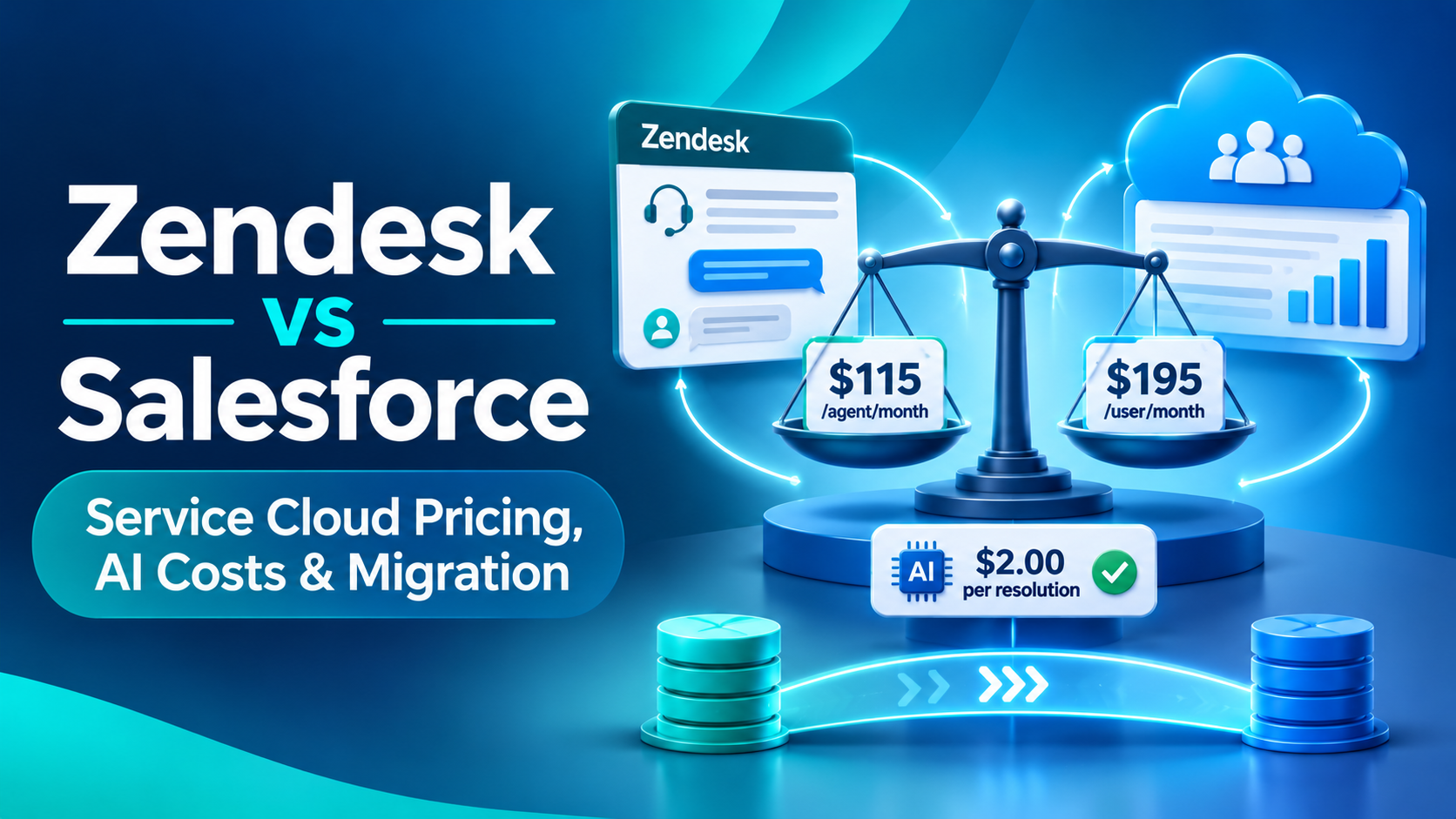
Zendesk starts at $19 per agent per month and Salesforce Service Cloud at $25, but those two tiers do not do the same job. The comparable rungs are Zendesk Suite Professional at $115 against Service Cloud Core at $195. Both vendors now charge roughly $2.00 for an AI-resolved contact, so the headline AI rate is not the difference. The difference is what each one charges for an AI attempt that fails.
All prices below were read directly from each vendor's own pricing pages on 16 November 2026. We re-verify these every time we write about them, because Salesforce changed its Sales Cloud ladder within three days of a previous check. Our other CRM and help desk comparisons sit on this blog and carry the same verification dates.
What Salesforce Service Cloud and Zendesk cost in November 2026
Two ladders, two different shapes. Salesforce prices per user per month with annual billing on everything above the entry rung. Zendesk prices per agent per month with a visible monthly option and a 20% discount for paying yearly.
| Vendor and tier | Price as published | Billing qualifier as printed | Evidence |
|---|---|---|---|
| Zendesk Support Team | $19 annual, $25 monthly | "agent/month paid yearly" | Read directly, 16 Nov 2026 |
| Zendesk Suite Team | $55 annual, $69 monthly | "agent/month paid yearly" | Read directly, 16 Nov 2026 |
| Zendesk Suite Professional | $115 annual, $149 monthly | "agent/month paid yearly" | Read directly, 16 Nov 2026 |
| Zendesk Suite Enterprise + Copilot | Not published | "Talk to Sales" | Read directly, 16 Nov 2026 |
| Service Cloud Starter Suite | $25 | "(Starting price. Transaction fees apply. Billed monthly or annually.)" | Read directly, 16 Nov 2026 |
| Service Cloud Pro Suite | $100 | "(Starting price. Transaction fees apply. Billed annually. Contract required.)" | Read directly, 16 Nov 2026 |
| Service Cloud Core | $195 | "(Billed annually)" | Read directly, 16 Nov 2026 |
| Service Cloud Advanced | $395 | "(Billed annually)" | Read directly, 16 Nov 2026 |
| Service Cloud Max | $550 | "(Billed annually)" | Read directly, 16 Nov 2026 |
Sources: Zendesk pricing and Service Cloud pricing. All figures USD at list, before discount.
Three things that will not be on any comparison chart you find elsewhere.
There is no free rung on the Service Cloud pricing page. Salesforce does publish a $0 tier, Salesforce Foundations, but it lives on the Agentforce pricing page rather than the Service Cloud one. Anyone presenting Service Cloud as starting at $0 is reading a different page.
Pro Suite's qualifier now reads "Billed annually. Contract required." Only Starter Suite offers monthly billing. That matters for a small team that wanted a get-out at 90 days.
And Zendesk geo-serves, with figures that are not an exchange rate. The UK page renders Support Team at £15, Suite Team at £45 and Suite Professional at £89, roughly 22% below the dollar figures rather than converted from them. Salesforce does the same in reverse: Core renders as £156 and Max as £440 on the UK page. Check the page for the region you will actually be invoiced in.
Why the entry tiers are not a like-for-like comparison
A $19 Zendesk seat and a $25 Salesforce seat look adjacent and are not. Starter Suite is a small-business bundle carrying "Transaction fees apply" in its own qualifier. Zendesk Support Team is a ticketing product without the Suite channels.
Line up by capability instead and the comparison is Suite Professional at $115 against Core at $195, a 70% gap at list. That gap is the actual question in the deal, and it is not answered by features on a grid. It is answered by whether you need the platform underneath, which is the subject of two sections further down.
Note also what neither vendor publishes. Zendesk gives no price for Suite Enterprise, Suite Growth or Enterprise Plus, and no price for any of its AI add-ons: Copilot, Advanced AI, Auto Assist, workforce management and QA all appear as "Add-on" with no figure anywhere on the page. Salesforce publishes its full ladder but no price for additional API call capacity and no uptime commitment percentage for the core clouds. Both sides have holes, and they are in different places.
Both vendors charge $2.00 for an AI resolution, and only one charges for a failure
This is the part worth the reading time, because it is where the two models genuinely diverge and because the headline rates are nearly identical.
Zendesk bills AI by the automated resolution. Its pricing page FAQ defines one as the unit of measurement used for calculating and billing your account for AI agent usage, and promises that "you pay only for customer requests that were successfully resolved by the AI agent". Included allowances are small and per agent: 5 automated resolutions per agent per month on Support Team and Suite Team, 10 on Suite Professional, under a row labelled "Included automated resolutions (up to 10k per year)". Beyond that, committed resolutions cost $1.50 and pay-as-you-go cost $2.00.
Salesforce bills AI by the Flex Credit. The Agentforce pricing page publishes credits at $500 per 100,000, which is $0.005 each. The current Flex Credits rate card, stamped "Updated as of November 3, 2026", prices a Help Agent Resolution at 400 credits in production. Four hundred credits at half a cent is exactly $2.00. Salesforce also publishes a flat "Conversations" rate of $2 per conversation on the pricing page itself.
| What you are buying | Zendesk | Salesforce Service Cloud | Evidence |
|---|---|---|---|
| One AI resolution, pay as you go | $2.00 | $2.00 (400 credits at $0.005) | Both read directly, 16 Nov 2026 |
| One AI resolution, committed | $1.50 | Contracted credit rate, billed in arrears | Both read directly, 16 Nov 2026 |
| Included allowance | 5 to 10 per agent per month, capped at 10,000 per account per year | 500K credits per org at Core, 1M at Advanced, 2.75M per org per year at Max | Both read directly, 16 Nov 2026 |
| Included allowance at list value | Not expressible, it is a unit allowance | $2,500, $5,000 and $13,750 of credits at the $0.005 list rate | Our arithmetic from the published credit rate |
| An AI attempt that escalates to a human | No resolution consumed | Actions consumed at 20 credits each | Both read directly, 16 Nov 2026 |
| Testing and sandbox usage | No resolution consumed | 16 credits per sandbox action | Both read directly, 16 Nov 2026 |
The last two rows are the whole comparison. Zendesk's model charges for outcomes. Salesforce's charges for work. An Agentforce service agent that takes four actions and still hands the case to a human has consumed 80 credits, or $0.40, and resolved nothing. Run that pattern across 50,000 contacts a month and the economics of a half-working deflection are completely different on the two platforms.
The flip side, which Zendesk's own pricing page understates: Salesforce's included allowances are large and org-level, while Zendesk's are small, per-agent and hard-capped at 10,000 per account per year regardless of headcount. A 40-agent Zendesk Suite Professional account gets 400 resolutions a month. A Service Cloud Core org gets 500,000 credits a year, which at 400 credits a resolution is 1,250 Help Agent resolutions, or substantially more if your agents resolve with a couple of actions rather than a full resolution event. Which model is cheaper depends entirely on your deflection rate and your contact volume, and anyone who tells you otherwise without those two numbers is guessing.
How each model behaves when you run out of AI capacity
Capacity exhaustion is an availability question dressed as a finance question, and the two vendors answer it differently.
Salesforce bills consumption in arrears and says so on the pricing page: "Billed monthly in arrears, so costs scale directly with your needs." Its overage FAQ is unusually direct: "There is no overage penalty." and "your rate is your contracted rate billed monthly in arrears." Nothing switches off. Credits do not roll over, and the rate card states that Flex Credits "must be used before the Order End Date set forth in the Usage Details table on the Order Form" with "no rollover will be permitted."
Zendesk gives the admin a choice, and the default is to keep working. Its overage documentation names two options, "Maintain functionality and allow overage (default setting)" and "Pause functionality and don't allow overage". Choose the first and "your account is charged for pay-as-you-go automated resolutions once you reach your limit." Choose the second and, in Zendesk's own words, "Then your AI agents stop serving customers, and requests route to live agents instead."
So neither vendor has a hard cut-off imposed on you, which is a meaningful difference from some agent platforms that disable custom agents at a fixed percentage of prepaid capacity. But Zendesk does penalise non-commitment: $2.00 pay-as-you-go against $1.50 committed is a 33% premium for not forecasting, and its documentation says plainly that overage is billed monthly regardless of your subscription terms.
One caution for anyone modelling this. Zendesk is running two automated resolution models at once. The allowance figures above sit in documentation describing the platform as it was before 18 May 2026; newer accounts fall under a "resolution tiers" model where assisted escalations and contained resolutions explicitly do not count against the allowance, and no allowance figures are published for it. A buyer cannot tell from Zendesk's own pages which model their contract will use. Ask in writing.
Where Zendesk is genuinely the better buy
This is a Salesforce consultancy and we would rather say this plainly than have a client discover it after signature.
Zendesk wins on the cost of failure. Escalated conversations, conversations that fail its own verification check, admin testing and sandbox usage all consume zero automated resolutions. Salesforce charges 20 credits for a production action and 16 for a sandbox action whether or not anything gets resolved. If you are early in an AI deflection programme, iterating on flows and expecting a low containment rate for the first two quarters, Zendesk's model is kinder to the experiment.
Zendesk wins on entry cost with AI included. $19 per agent per month with 5 automated resolutions per agent, against $25 Starter Suite with transaction fees and no stated credit inclusion.
Zendesk publishes an availability commitment where Salesforce's core clouds do not. Its service availability article commits to at least 99.9% availability with service credits, though only for Premier Support customers on qualifying plans, and states no guaranteed uptime for standard plans. We could not find a published uptime SLA percentage for Service Cloud at all. Report that as an absence rather than as Salesforce having no SLA, because the core clouds direct you to historical trust data instead of a committed figure.
And Zendesk wins on time to first value, with the honest caveat that the only quantified claim comes from Zendesk's own comparison page citing Nucleus Research: 53.7% faster implementation, and 90% of Zendesk customers delivering value in under eight weeks. The baseline for the 53.7% is not stated and the 90% figure is about Zendesk customers rather than a comparison, so treat it as directional.
One claim we are not going to make for either side: there is no credible dated 2026 help desk market share figure available publicly. Every result we found came from research mills. Zendesk has been private since 2022 and publishes no revenue, though its newsroom did state $200 million of AI annual recurring revenue for 2025 and its media kit claims more than 80,000 customers. On the Salesforce side the comparable number exists and is large: the Q4 FY26 earnings release reports $9,818 million of full-year subscription and support revenue on the line now called Agentforce Service, against $41,525 million total. Note the renaming, because it catches people searching filings: a footnote states that in the third quarter of fiscal 2026 the company renamed its service offerings to reference Agentforce. There is no "Service Cloud revenue" line any more.
Where the platform depth gap shows up
If your service desk only ever handles tickets about users and organisations, this section does not matter. If it has to model anything else, it decides the question.
| Capability | Zendesk | Salesforce | Evidence |
|---|---|---|---|
| Custom object types | 3 on Suite Team, 5 Growth, 30 Suite Professional and Support Enterprise, 50 Enterprise and Enterprise Plus | Org ceiling of 2,000 custom objects | Both read directly, 16 Nov 2026 |
| Fields per custom object | 100 | Several hundred per object depending on edition | Zendesk figure read directly; Salesforce per-edition figures not published cleanly, see note |
| Record size ceiling | 32 KB per record, 50 million custom object records per account | No comparable published per-record ceiling | Zendesk figures read directly |
| Test environments | One sandbox on Support Enterprise, two on Suite Enterprise and Enterprise Plus, purchasable below that | 25 Developer sandboxes and 1 Partial Copy included with Enterprise | Both read directly, 16 Nov 2026 |
| Sandbox data fidelity | Replication caps at 10,000 tickets, 10 replications per month, custom object records not replicated | Full and Partial Copy sandboxes replicate production data | Zendesk figures read directly |
| Server-side logic | Runs on your own infrastructure, outside Zendesk | Apex and Flow run inside the platform with governed transactions | Both read directly, 16 Nov 2026 |
Two honest notes on that table. Salesforce's per-edition custom object and field counts sit in a PDF whose table flattens on extraction, so we are giving the 2,000 org ceiling, which is a clean direct quote, and declining to print per-edition rows we cannot verify to publication standard. And on server-side logic, Zendesk's own developer documentation describes a server-side app as a web application that runs on a remote server outside of Zendesk, with the tutorial hosting on a third-party service that Zendesk states it does not support. Zendesk has real declarative automation in triggers, automations and routing. What it does not have is hosted, transactional, governed server code. Zendesk Integration Services exists as a hosted integration runtime and we have not examined its current packaging, so we are naming it rather than ruling it out.
The Zendesk number that decides most deals is 3 custom object types on Suite Team. Model anything past ticket, user and organisation and you are on Suite Professional at 30, which is also where the price comparison tightens.
Why the API limits are not comparable at all
Both vendors publish API limits and they are in different units, which makes the usual side-by-side chart meaningless.
Salesforce gives you a 24-hour budget. The platform API allocation formula is "100,000 + (number of licenses x calls per license type) + purchased API Call Add-Ons", at 1,000 calls per Salesforce licence on Enterprise and 5,000 on Unlimited and Performance. Salesforce's own worked example: an Enterprise org with 15 Salesforce licences gets 115,000 requests per 24 hours. A Full Sandbox gets 5,000,000.
Zendesk gives you a per-minute ceiling. From its usage limits documentation: 200 requests per minute on Team, 400 on Growth and Professional, 700 on Enterprise and 2,500 on Enterprise Plus. The High Volume API add-on raises the limit to 2,500 rather than adding to it, requires Suite Growth or Support Professional and above, and needs a minimum of 10 agent seats. Its price is not published.
A Zendesk Enterprise tenant at 700 per minute has a far larger theoretical daily envelope than that 15-user Salesforce org. The catch is the shape. Salesforce gives you a pool you can spend in any pattern you like, including a single large nightly batch, and sells you more. Zendesk can throttle you inside one minute, and caps the endpoints that matter for bulk work severely: incremental exports are limited to 10 requests per minute, or 30 with the paid add-on.
For a migration or a nightly data warehouse load, that incremental export ceiling is the number that sets your timeline.
What a Zendesk to Salesforce migration costs you in data
If you are reading this because you are considering the move, the export side is where the real work sits, and Zendesk's own export documentation is unusually candid about it. Read directly on 16 November 2026:
- Exports are off by default. "The account owner must contact Zendesk Customer Support to enable data exports in the account."
- "The exporting tools described in this article are not available on Team plans." Team plan accounts are API only.
- "XML exports can have a maximum file size of 500MB." and "Full XML and user XML exports are not available for accounts with more than 200,000 tickets."
- "Accounts with more than one million tickets are downloaded in 31-day increments."
- For JSON, "If a single ticket has more than 1 MB of data, the comments are not included in the JSON file." For CSV, "If a single ticket has more than 1 MB of data, the ticket is excluded from the report."
- And the line that matters most to anyone who has been running AI agents: "AI agent tickets cannot be exported."
That last one deserves a pause. If you have spent a year building deflection on Zendesk AI agents, the tickets those agents handled are not in your export. Whatever analysis you were planning to do on containment, reasons for escalation or knowledge gaps has to happen before you leave, or not at all.
On the Salesforce side the import thresholds are generous by comparison: the Data Import Wizard is recommended when you are loading fewer than 50,000 records, and Data Loader "supports CSV files with a maximum 150,000,000 records".
Neither vendor publishes a migration tool for the other's help desk. Salesforce does publish a migration page naming Zendesk, but it covers Zendesk Sell, the CRM product being retired, with data deletion on the earlier of subscription end or 31 August 2027. It offers a generic six-step outline and names Data Loader, with no Zendesk-specific connector. Every "Zendesk to Salesforce" migration guide in the search results is from a third-party migration vendor. Treat those as marketing, not documentation.
The mapping judgements below are ours, not vendor documentation, and they are where the effort actually goes:
- Ticket to Case maps cleanly on the header and badly on the conversation. Zendesk holds public and private comments in one ordered stream on the ticket. Salesforce splits them across EmailMessage, CaseComment and Feed, each with different visibility semantics. This is the largest single line item in every one of these migrations we have run.
- Organisations to Accounts and end users to Contacts looks trivial and is not, because Zendesk permits users with no organisation and users in several organisations. Salesforce Contacts conventionally hang off one Account. Your orphans are a data modelling decision, not a mapping exercise.
- Macros have no one-to-one target. A Zendesk macro sets fields, inserts text and applies tags in one object; in Salesforce that usually becomes a Macro plus Quick Text and sometimes a Flow.
- Triggers become record-triggered Flows and time-based automations become scheduled Flows or scheduled paths. Conceptually close, so the cost is rewriting rather than redesigning.
How to choose between them
- Count your custom objects. If your service process needs more than three entities beyond ticket, user and organisation, Zendesk Suite Team is out and the price comparison moves to Suite Professional against Core.
- Work out your current or target AI containment rate. Below roughly 30%, Zendesk's charge-for-outcomes model is materially cheaper while you iterate. High and stable, the two converge toward the same $2.00 per resolution and the decision moves elsewhere.
- Multiply your monthly AI-eligible contact volume by both models using your own numbers, not list examples. Zendesk's allowance is per agent and capped at 10,000 a year per account. Salesforce's is per org and much larger. Headcount, not volume, decides which shape favours you.
- Decide whether you need governed server-side logic. If a service process must run transactionally inside the platform, Zendesk requires you to host it yourself.
- Count your test environments. Two sandboxes capped at 10,000 tickets and no custom object data is a different release process from 25 refreshable orgs plus a Partial Copy.
- If you are leaving Zendesk, export and analyse your AI agent ticket data before you give notice, because it cannot be exported.
- Price the migration from the export constraints rather than from a vendor estimate. The incremental export limit of 10 requests per minute and the 1 MB per-ticket rules will set your timeline more than anything on a project plan.
Frequently Asked Questions
Is Zendesk cheaper than Salesforce Service Cloud?
At list, yes, at every published rung: $19 against $25 at entry and $115 against $195 for the comparable mid-tier, verified 16 November 2026. The gap narrows once you account for what each includes. Zendesk's AI allowance is 5 to 10 resolutions per agent per month capped at 10,000 a year per account, while Service Cloud Core includes 500,000 Flex Credits per org.
How much does an AI resolution cost on Zendesk versus Agentforce?
Both land at about $2.00. Zendesk charges $2.00 pay-as-you-go or $1.50 committed per automated resolution. Salesforce prices a Help Agent Resolution at 400 Flex Credits and credits at $500 per 100,000, which is exactly $2.00, and publishes a flat $2 per conversation rate. The difference is that Salesforce also charges 20 credits per action on attempts that fail.
What happens when you run out of AI capacity on each platform?
Salesforce keeps working and bills in arrears, stating there is no overage penalty. Zendesk gives the admin a choice, defaulting to "Maintain functionality and allow overage", which charges the higher pay-as-you-go rate. Switch to "Pause functionality" and Zendesk's AI agents stop serving customers and requests route to live agents instead.
Can you migrate Zendesk tickets to Salesforce Cases?
Yes, but neither vendor publishes a tool for it and the conversation history is the hard part, because Zendesk's single comment stream has to be split across EmailMessage, CaseComment and Feed in Salesforce. Export limits bind the timeline: XML exports cap at 500MB, tickets over 1 MB lose their comments in JSON, and AI agent tickets cannot be exported at all.
How many custom objects can Zendesk handle?
Three custom object types on Suite Team, five on Suite Growth, 30 on Suite Professional and Support Enterprise, and 50 on Suite Enterprise and Enterprise Plus. Each custom object supports a maximum of 100 fields and each record a maximum of 32 KB, with an account ceiling of 50 million custom object records. Salesforce's org ceiling is 2,000 custom objects.
Does Zendesk publish an uptime SLA?
Zendesk commits to at least 99.9% service availability with service credits, but only for Premier Support customers on qualifying plans, and states no guaranteed uptime for standard plans. We could not find a published uptime SLA percentage for Salesforce Service Cloud; the core clouds point to historical availability data instead of a committed figure.
Choosing between these two on a feature grid is how teams end up with a $115 seat that cannot model their service process, or a $195 seat running a help desk that never needed one. If you are mid-evaluation, the two numbers that settle it are how many entities your service process has to model and what your realistic AI containment rate will be in the first two quarters. We will run both models against your own volumes as part of a Salesforce platform assessment, and we will tell you if the answer is Zendesk.
Have Questions or Need Assistance?
Our team of Salesforce experts is ready to help you implement the solutions discussed in this article.
Contact Us Today