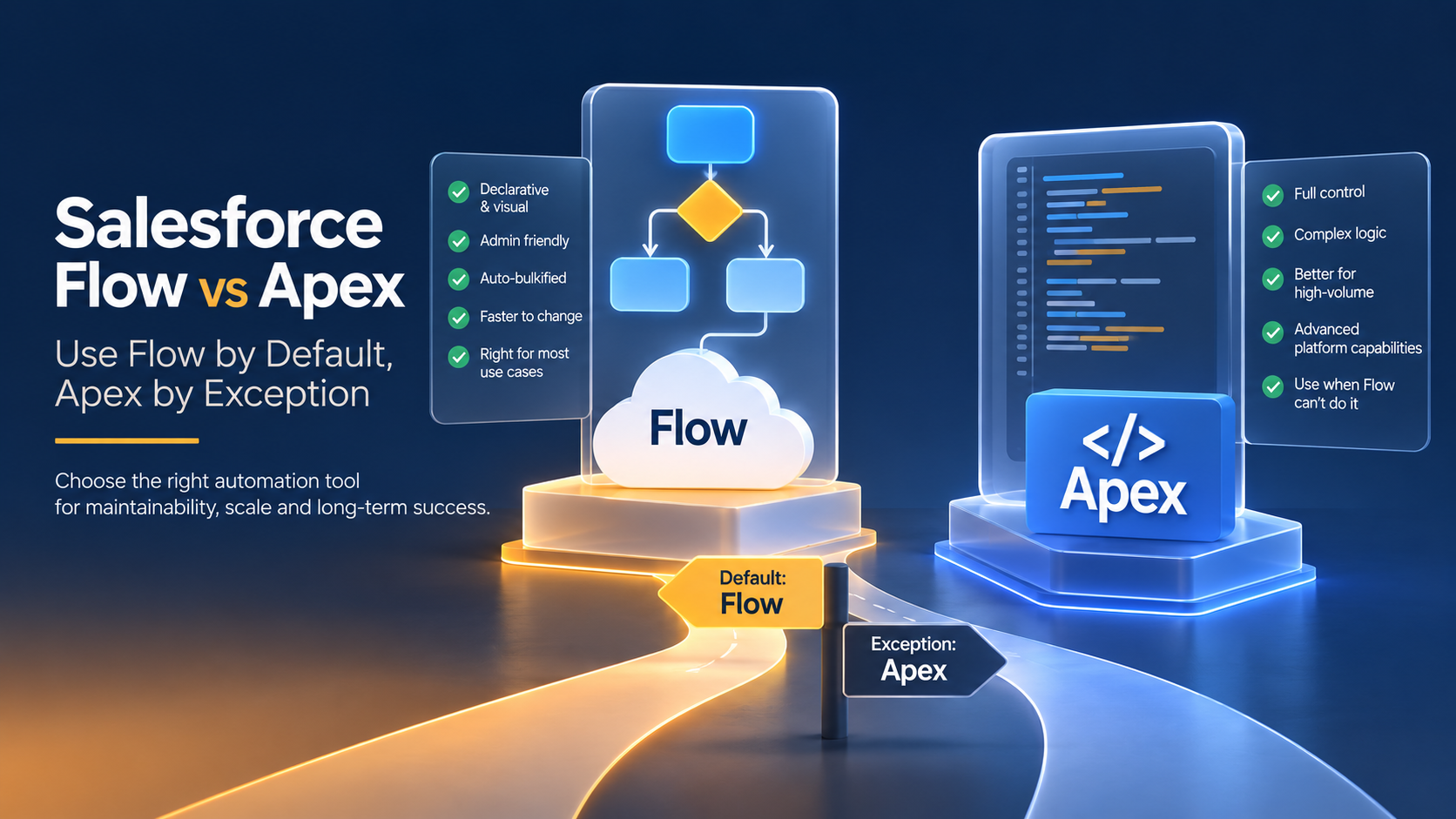
When to Use Flow vs Apex in Salesforce
Use Flow by default and Apex by exception. Salesforce's own architect guidance names record-triggered Flow as the preferred starting point for record automation, reserving Apex for objects with heavy automation density, large data volumes, transactional control, or logic Flow cannot express. Most orgs are best served by Flow orchestrating the process and invocable Apex handling the hard parts.
What is the difference between Flow and Apex in Salesforce?
Flow is Salesforce's declarative automation tool. You build logic visually in Flow Builder and the platform handles bulkification, retries and much of the error handling. Apex is Salesforce's object-oriented language, running in triggers, classes, batch and queueable jobs, with full control over queries, collections, transactions and error handling.
The practical difference is not clicks versus code. It is who can safely change the logic six months from now. An admin can modify a record-triggered Flow in a sandbox and deploy it with a change set. An Apex trigger needs a developer, unit tests with at least 75% coverage across the org, and a deployment pipeline.
That maintenance profile should weigh as heavily as any technical capability, and in our experience it is the factor teams discount most.
When should you use Flow instead of Apex?
Use Flow when the automation is straightforward, largely independent of other automation on the object, and expressible in Flow Builder without contortions. Salesforce's Record-Triggered Automation decision guide states plainly that record-triggered Flow offers a balance of power and accessibility making it the right default for most teams.
The cases where Flow is the correct answer:
- Updating fields on the record that fired the automation. Use a before-save flow. It changes values in memory before the database commit, avoiding a second DML operation and a recursive save cycle. This is the highest-value Flow pattern available and it routinely beats an equivalent after-save Apex trigger.
- Creating a related record when a status changes: a task, a renewal opportunity, a follow-up case.
- Sending an outbound email, platform event or notification on a state change.
- Screen-based user processes where a guided sequence of inputs is the requirement.
- Anything a business analyst will want to tweak: thresholds, routing rules, approval conditions.
Flow also gives you auto-bulkification and automatic retries on certain failure modes without a line of code. Apex gives neither unless you build them.
What Flow does badly, even when it is the right choice
Flow being the default does not make it pleasant at scale, and the weak spot is diagnosis rather than execution.
When an Apex trigger fails you get a debug log with a stack trace and your own assertions. When a flow fails you get an error email naming an element, and an intermittent failure under load has to be reconstructed from record history.
Flow metadata also diffs as XML, so a code review on a changed flow tells you almost nothing. We have watched two admins overwrite each other's work in one flow in a single week.
None of this makes Flow the wrong default. It means that on an object several teams depend on, the cost of Flow is paid later, in incidents, rather than upfront in developer time.
When should you use Apex instead of Flow?
Salesforce's decision guide names three situations where Apex is the appropriate choice. They are worth stating precisely, because "the logic felt complicated" is not one of them.
- High automation density on the object. The guide points at objects carrying more than roughly 30 automations, regular processing of 2,000 or more records at a time, and five or more downstream DML operations. At that density an Apex handler framework gives you explicit ordering a pile of flows cannot.
- Capabilities Flow does not have. Savepoints and rollbacks, sophisticated custom validation, complex data structures such as Maps and Sets, recursion control, and the
after undeletetrigger context. If you need any of these, Flow is the wrong tool and no cleverness fixes it. - High-performance bulk processing. Where you need control over query selectivity, chunking and algorithmic efficiency, Apex wins on raw compute, and the guide acknowledges that advantage at extreme volume.
Add a practical fourth: callouts with real error handling. Flow's HTTP callout action is fine for simple integrations, but if you need retry logic, response parsing into typed structures, or careful handling of partial failures, write Apex.
Flow vs Apex: which differences actually decide the choice?
| Dimension | Record-triggered Flow | Apex trigger |
|---|---|---|
| Who can maintain it | Admin or business analyst | Developer only |
| Bulkification | Automatic | Manual, and a common source of bugs |
| Test requirement to deploy | None mandated | 75% org-wide code coverage |
| Execution order control | Limited; trigger order field only | Full, via a handler framework |
| Transactional control (savepoints, rollback) | Not available | Available |
| Complex data structures (Map, Set) | Limited | Full |
after undelete context | Not supported | Supported |
| Callouts | Basic HTTP action | Full control with retry and parsing |
| Debuggability at volume | Flow error emails and Flow Tests | Debug logs, assertions, unit tests |
| Version control and CI | Metadata only, diffs are hard to read | Native fit for Git-based pipelines |
The last row settles most real arguments. With a mature DevOps pipeline and several developers, Apex is easier to review and merge than a flow's XML. With one admin and no pipeline, Flow is the only maintainable option, and choosing Apex means every future change waits on a contractor.
Do Flow and Apex share the same governor limits?
Yes, and believing otherwise is the most persistent misconception in the argument. Flow gets no budget of its own. Flows and Apex consume the same per-transaction limits, and a flow that fires Apex which fires another flow is still one transaction.
| Limit | Synchronous | Asynchronous |
|---|---|---|
| SOQL queries | 100 | 200 |
| Records retrieved by SOQL | 50,000 | 50,000 |
| DML statements | 150 | 150 |
| Records processed by DML | 10,000 | 10,000 |
| CPU time | 10,000 ms | 60,000 ms |
| Heap size (6 MB / 12 MB before Winter '27) | 10 MB | 25 MB |
| Cumulative callout timeout | 120 seconds | 120 seconds |
Salesforce publishes the full set in its developer limits quick reference.
Flow adds one constraint Apex does not have: 2,000 executed elements per flow interview at run time. This is an enforced governor limit, not a guideline. Exceed it and the interview fails and the transaction rolls back.
Elements inside a loop count once per iteration, so three elements iterating over 1,000 records is 3,000 executed elements, not three. That is why replacing a loop with a Transform element or a filtered Get is standard Flow advice. Do not confuse this with the old cap of 2,000 elements in a flow definition, which Salesforce removed in API version 57.0. The design-time cap is gone. The runtime one is not.
The consequence that matters more: CPU time is the limit that kills orgs, and it is consumed by every flow, trigger, validation rule and managed package on the object combined. Moving logic from Apex to Flow creates no headroom. It usually consumes slightly more.
How do you decide, step by step?
- Can a before-save flow do it? If the automation only sets fields on the triggering record, stop here and build one. It is the fastest and cheapest option available.
- Does it need savepoints, rollback,
after undelete, or Map and Set logic? If yes, write Apex. Flow cannot do these. - Count the automations already on the object. Above roughly 30, or where it regularly processes 2,000+ records per transaction with five or more downstream DML operations, move to an Apex trigger handler.
- Check who will own it. If the rule changes quarterly at the business's request and no developer is on staff, that argues for Flow even where Apex would be faster.
- Test at volume before deciding. Load 200 records through the automation in a full sandbox and read the debug log for CPU time. Decisions made on one-record tests are made blind.
- Pick one entry point per object. Mixing three flows and two triggers on Opportunity is how orgs end up with automation nobody dares touch.
- Write the reason into the flow or class description. One sentence on why this tool was chosen saves the next admin an afternoon.
Why we no longer recommend rewriting an overloaded object entirely in Apex
The obvious fix for an object carrying 40 automations is to consolidate everything into one Apex trigger handler with explicit ordering. It is the better architecture and we have delivered it.
We have also watched it decay. On two engagements the rebuilt handler was clean at handover and unmaintainable within a year: the client had no developer, and every change to a routing threshold sat in a backlog behind product work. Admins added a new flow beside the trigger to get changes out, and the org ended up where it started on a more expensive foundation.
The hybrid pattern is what we recommend instead, which is also what Salesforce recommends: the decision guide names Flow orchestrating invocable Apex as the maintainable middle ground for medium-density objects. It is architecturally weaker than a single Apex handler and it survives contact with a real team better.
- One record-triggered flow per object is the entry point, holding entry conditions and branching logic, the parts the business changes.
- An invocable Apex method, exposed with
@InvocableMethod, holds the computation, callouts and anything needing collections or transactional control. - The flow passes a collection in and receives a collection back, so bulkification is preserved.
An admin changes when the logic runs without a developer, while a developer owns what it does. The cost is a longer stack trace when something breaks, and a real risk the flow layer accumulates branching until it becomes the mess you were avoiding. Review it annually.
What changed in Summer '26 and Winter '27 that affects this?
Apex is now secure by default from API version 67. Classes compiled against v67, introduced in Summer '26, default to user mode for database operations and to with sharing. Code that previously ran in system mode and returned records the running user could not see will now return fewer records or throw.
Triggers themselves are exempt. An Apex trigger runs in system mode on every API version, as it always has. The exposure sits one level down: the moment a trigger calls a handler class versioned at v67 or higher, that class's queries and DML follow the v67 rules. Teams that checked their triggers and stopped there have not finished the audit.
Bumping an old class's API version is no longer routine. Retest queries after any version bump. Salesforce Ben's Summer '26 developer round-up covers it in detail.
Winter '27 raises the Apex heap limit. Synchronous heap goes from 6 MB to 10 MB and asynchronous from 12 MB to 25 MB, enforced once your instance upgrades on 29 August, 3 October or 10 October 2026. Sandboxes upgrade first, so code can pass in a preview sandbox at 9 MB and then throw Apex heap size too large in a production org still on Summer '26. The Enforce the Summer '26 Apex heap limit checkbox in Apex Settings holds a sandbox at the old ceiling until production catches up.
Two dated items widely attributed to Winter '27 are not in it. The OAuth 2.0 username-password flow retirement was postponed and now enforces on 20 February 2027, on a fixed global date rather than at your instance upgrade. The Adopt Authorized Email Domains update was cancelled and replaced by Maintain Your Email Verification Exception, enforcing 1 December 2026. What does enforce in Winter '27 is narrower than most summaries suggest: profile filtering, and a permission requirement for SOAP login(). Read the Winter '27 release notes before your instance upgrades.
Frequently Asked Questions
Is Flow slower than Apex?
At small to moderate volume the difference is not measurable in user experience. At high volume Apex is faster, because the Flow runtime carries interpretation overhead compiled Apex does not. The exception is before-save flows, which frequently beat an equivalent after-save Apex trigger by avoiding an extra DML operation and save cycle.
Should I replace Workflow Rules and Process Builder with Flow?
Yes. Both are retired for new automation and Salesforce provides a Migrate to Flow tool in Setup. Migrating removes an entire layer from the order of execution, which makes remaining performance problems easier to diagnose. Do it object by object, testing at volume each time.
Do flows count against Apex governor limits?
Yes. Flows and Apex share the same per-transaction limits: 100 synchronous SOQL queries, 150 DML statements, 10,000 ms of synchronous CPU time and, from Winter '27, 10 MB of heap. Flow additionally caps each interview at 2,000 executed elements at run time, a limit usually hit by looping over large collections.
When should I use invocable Apex instead of a full trigger?
Use invocable Apex when the trigger conditions and branching are stable business rules an admin should own, but the calculation, callout or data manipulation needs code. Use a full trigger when execution order across many automations matters, when you need after undelete, or when the object already carries heavy automation density.
Why overloaded objects fail at quarter end
The most common failure we see is not choosing the wrong tool. It is choosing no standard at all, so that over three years an object accumulates two flows, a Process Builder, a trigger and a managed package listener, none of which know about each other. The CPU timeouts arrive at quarter end, on the busiest object, with no obvious cause.
If that describes your Opportunity or Case object, the first move is not a rebuild. List every automation on it in Setup with an owner and a last-modified date. Most teams find two or three nobody has needed for years. Aptivus Solutions runs that audit and the consolidation that follows, through our Salesforce consulting services.
Have Questions or Need Assistance?
Our team of Salesforce experts is ready to help you implement the solutions discussed in this article.
Contact Us Today